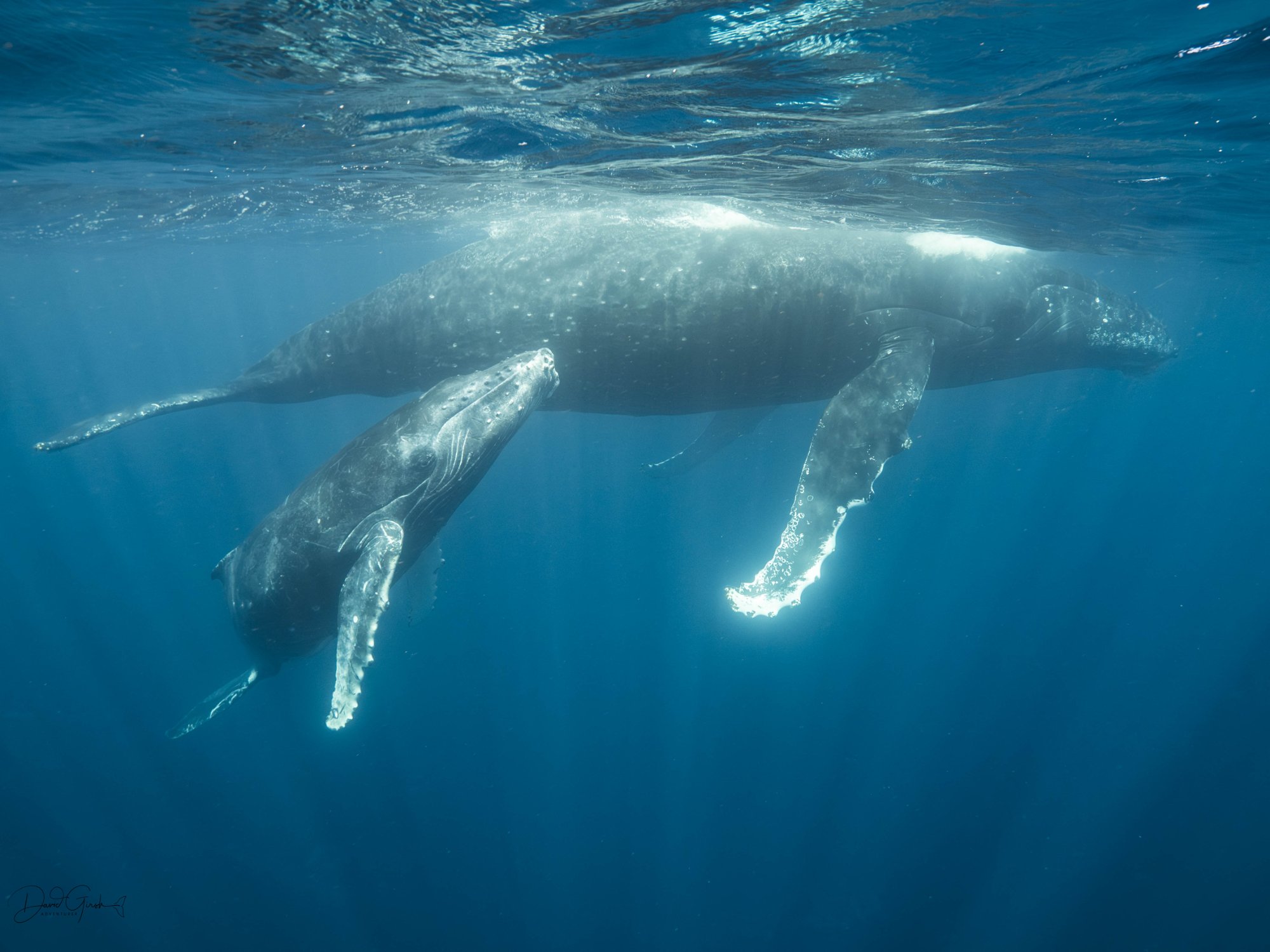
With a photo, you can fire off fifty frames of a whale rolling past and keep the one where its eye is sharp, the light's right, and your buoyancy happened to hold for a quarter of a second. Forty-nine mistakes, invisible. Nobody ever sees them.
Video doesn't work like that. There's no ten seconds you can throw away and no best frame to cherry-pick from the mess. The clip has to hold together the whole way through, your framing, your movement, your distance, all of it, for the full duration, in one go. One bad kick halfway through and the whole thing's unusable.
That's the actual reason people struggle with underwater video more than photos, even good photographers. It's not a gear problem. It's that video gives you zero room to hide.
So here's a few tips and tricks to capture better shots:
Gear
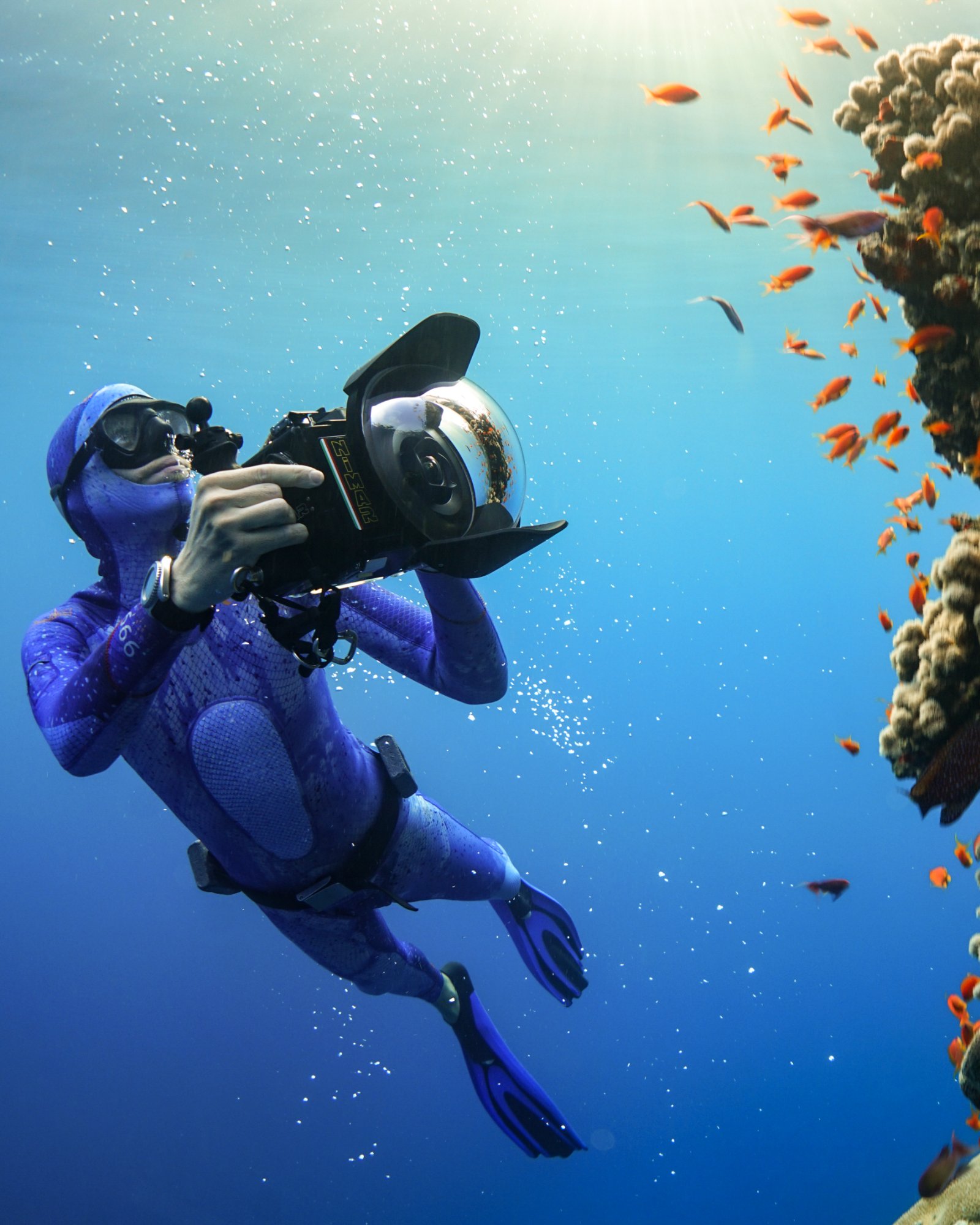
Whatever you've got is enough to start. Phone in a housing, action cam, a proper rig eventually if you stick with it. The tier doesn't make the story. What you do with it does.
Settings
With a photo, a wrong setting costs you one frame. With video, it costs you the whole clip, and by the time you notice, the moment's gone. A few defaults that save you: 60fps that's your everyday setting, later in post you can export in 24-30fps for more natural feel. Save 100 to 120fps for a moment that actually earns it, a tail fluke, a fast pass, shark hunting fish or birds sweeping near, not everything "just in case." Shoot 4K even if you're delivering 1080p, it gives you room to crop and stabilise later. And unless you already know how to grade, skip log profiles. Flat footage looks washed out straight off the card, and log without a proper colour pass just means you either ship it looking wrong or lose hours fighting it. Standard colour is the right call until you've earned the reason to change it.
White Balance
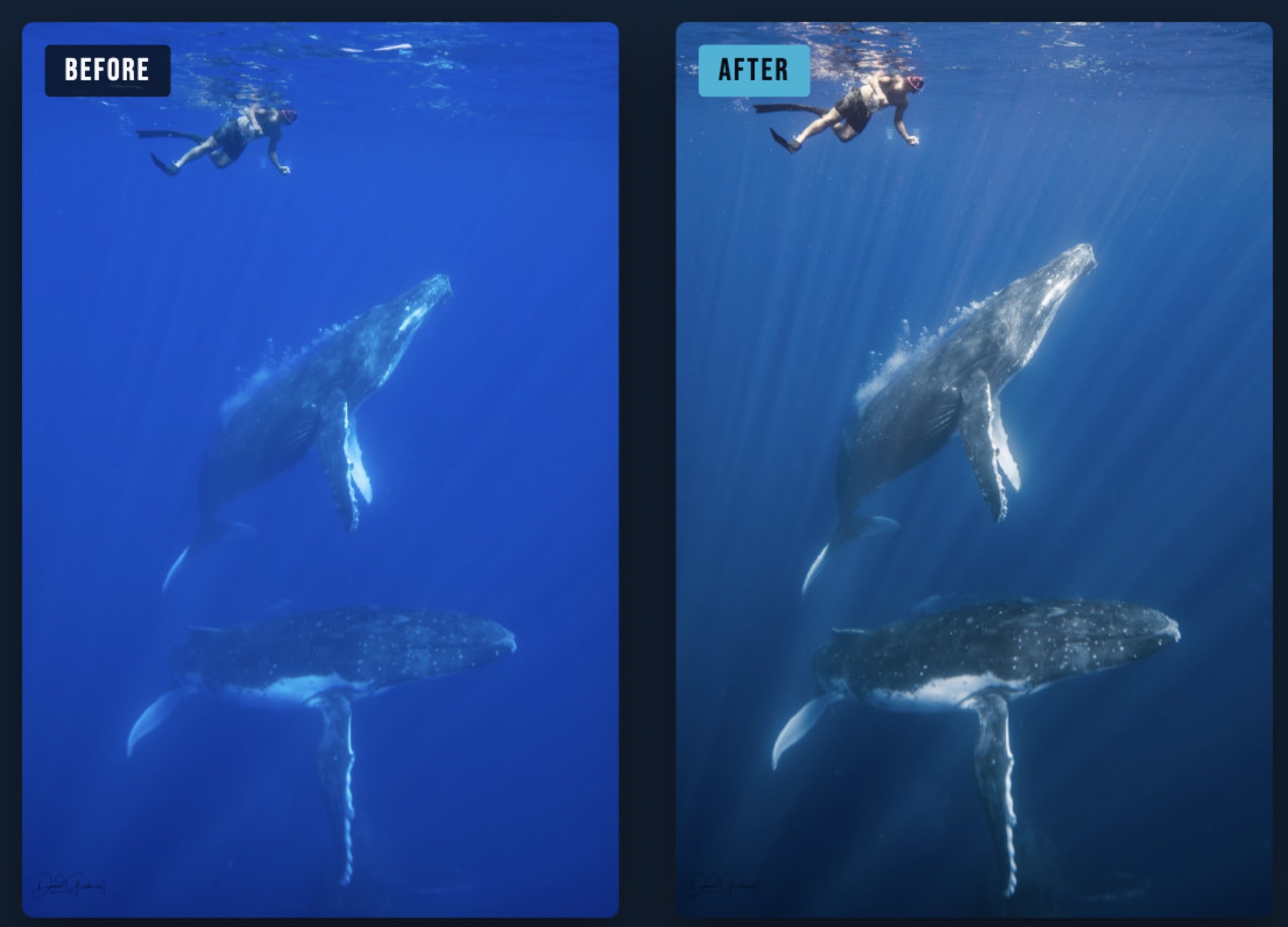
Water eats colour fast, reds and oranges are gone within the first few metres, everything trends blue-green the deeper you go. With a photo you're correcting one file, and if the white balance is off you can usually save it in post without anyone noticing. Video doesn't give you that luxury. Wrong white balance holds across the entire clip, every frame of it, and there's no cherry-picking your way out. Set a manual white balance for the depth you're actually shooting at, don't leave it on auto and hope. A red filter could help though with professional cameras you always set WB within. A dive light when possible, brings the warmth back before you ever touch colour in post, which is a much easier fight than trying to manufacture it afterwards.
Buoyancy Is Your Tripod
This is exactly where video punishes you and photos let you off easy. A photo just needs one still instant of good trim. Video needs you holding it for the whole shot, and every bit of drift or overcorrecting kick shows up on screen the entire time. Hover, don't hold. Fighting to stay still costs more movement than trusting your trim. This one took me years to actually feel, not just know. If you are on the surface and it's rough either shoot in higher frame rate, crop and slow down footage in post or use the the movement for your advantage to relay a situation / artistic reasons, same as sometimes hand held shaky shots feel better then stable shots, it all comes down to story telling.
Frame It Like You Mean It
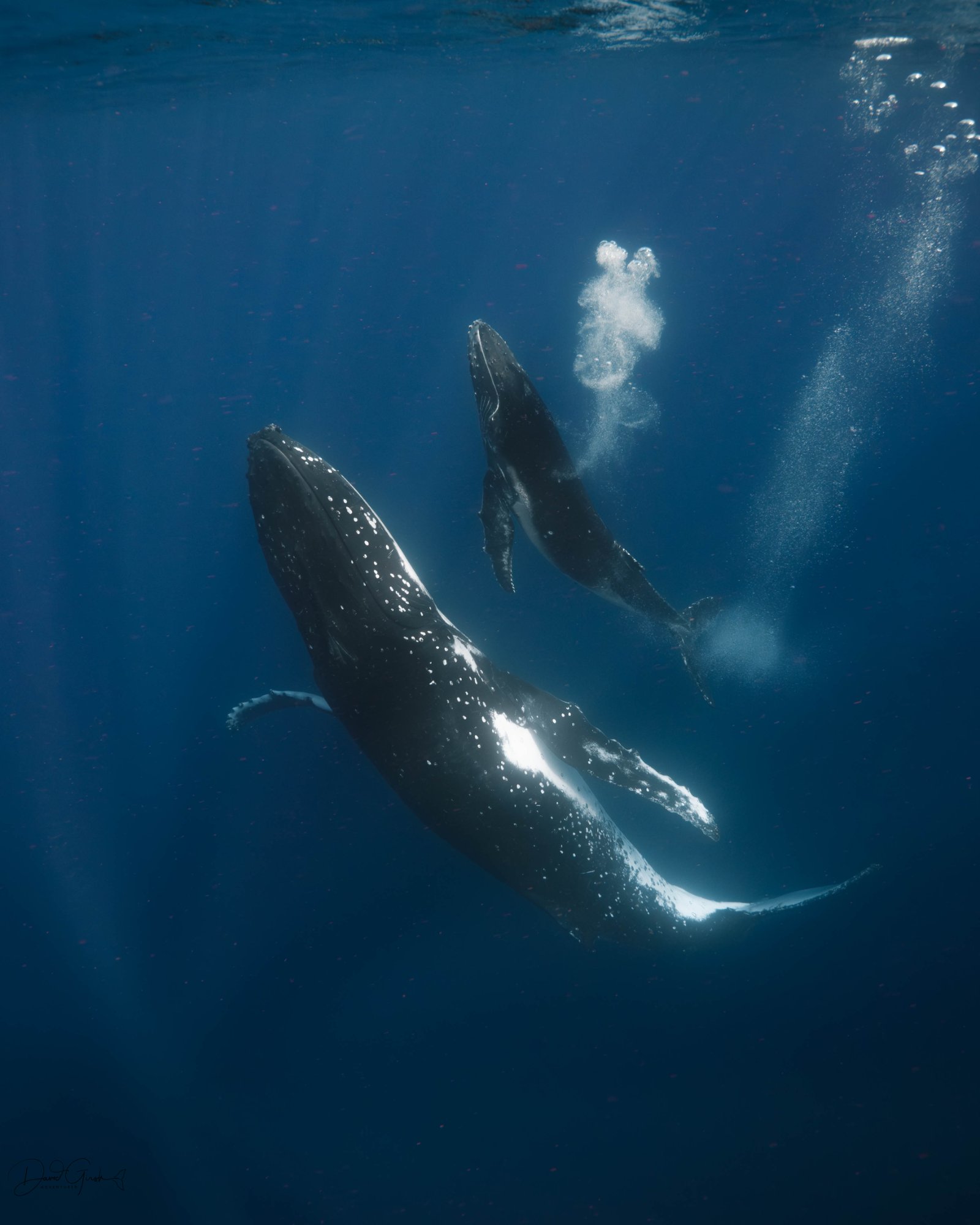
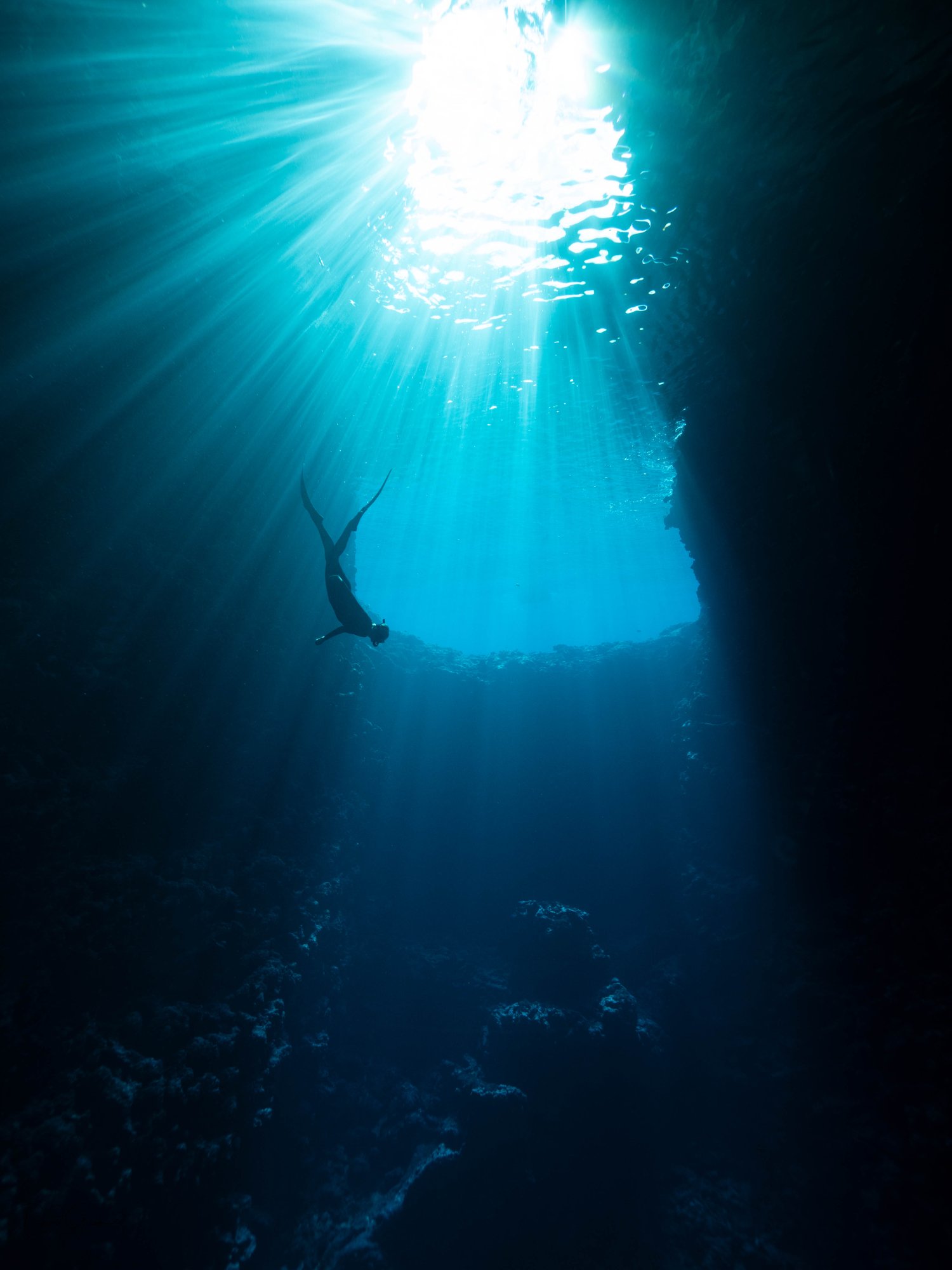
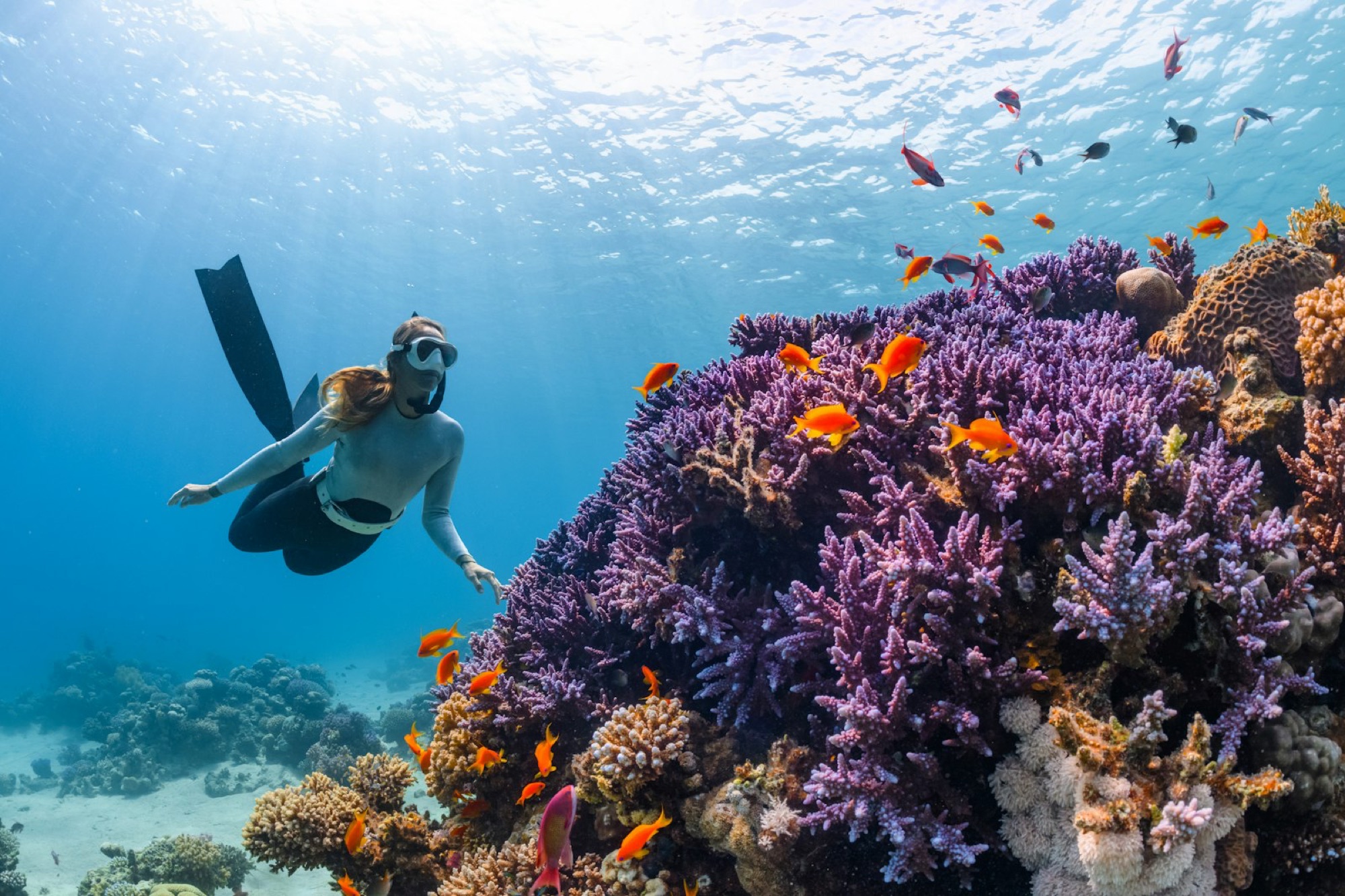
The rule of thirds works underwater, don't just centre everything by default. Use the surface, a reef edge, or a shaft of light as a natural line to frame against. Use structures/ animals/ people/ objects to create depth of field, try shooting low on some occasions. Frame from eye level with whatever you're filming, or slightly below, not from above. A downward angle flattens everything against a dark, cluttered seafloor. Shooting upward turns the surface into a backdrop, silhouettes, sunbursts, scale. It's one of the fastest ways to make ordinary footage feel like something.
Move Slowly, Let the Animal Set the Distance
This isn't just etiquette, though it is that too. The best encounters happen when you stay still and something chooses to come closer. Chase it and you'll get shaky footage, and unlike a photo, you can't just wait for the next pass and try again mid-clip.
Shoot in Threes: Wide, Medium, Detail
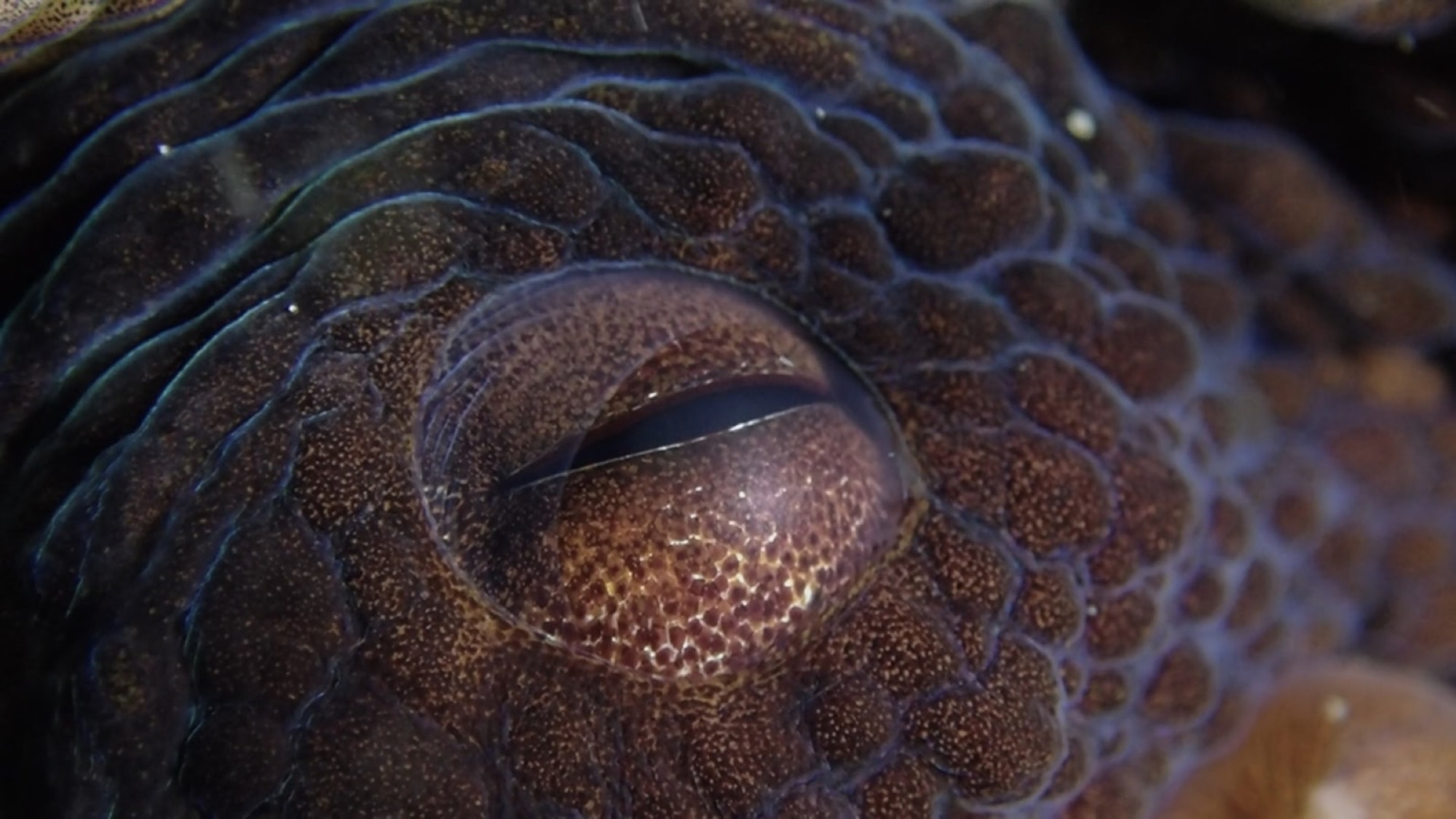
This is the one habit that actually gives you something to edit later instead of one long, unstructured clip. Wide for place and context, where are we. Medium for the actual action, the subject and what it's doing. Detail for the moment that makes it feel personal, an eye, a fluke, a hand reaching out. A photo is one decision. Video needs you to have already made a few ideas before you even start swimming.
Sound Is Basically Unusable Underwater
Bubbles, regulator noise, water pressure on the mic. This is the one spot where photo instincts don't apply at all, because there's no equivalent problem in stills. The real work happens after, topside voiceover, layered ambient sound, music. You're building the audio world in the edit, on purpose. That's the mindset, so imagine what sounds would come on top of the footage to also help you plan for the mood and feel you would like to pass onto the audience. Platforms like Artlist are a good place to find music and sound design without dealing with copyright headaches.